
AI product photography
Create product photos from one product image.
Upload a product photo and generate studio, lifestyle, marketplace, and social ad images in seconds.
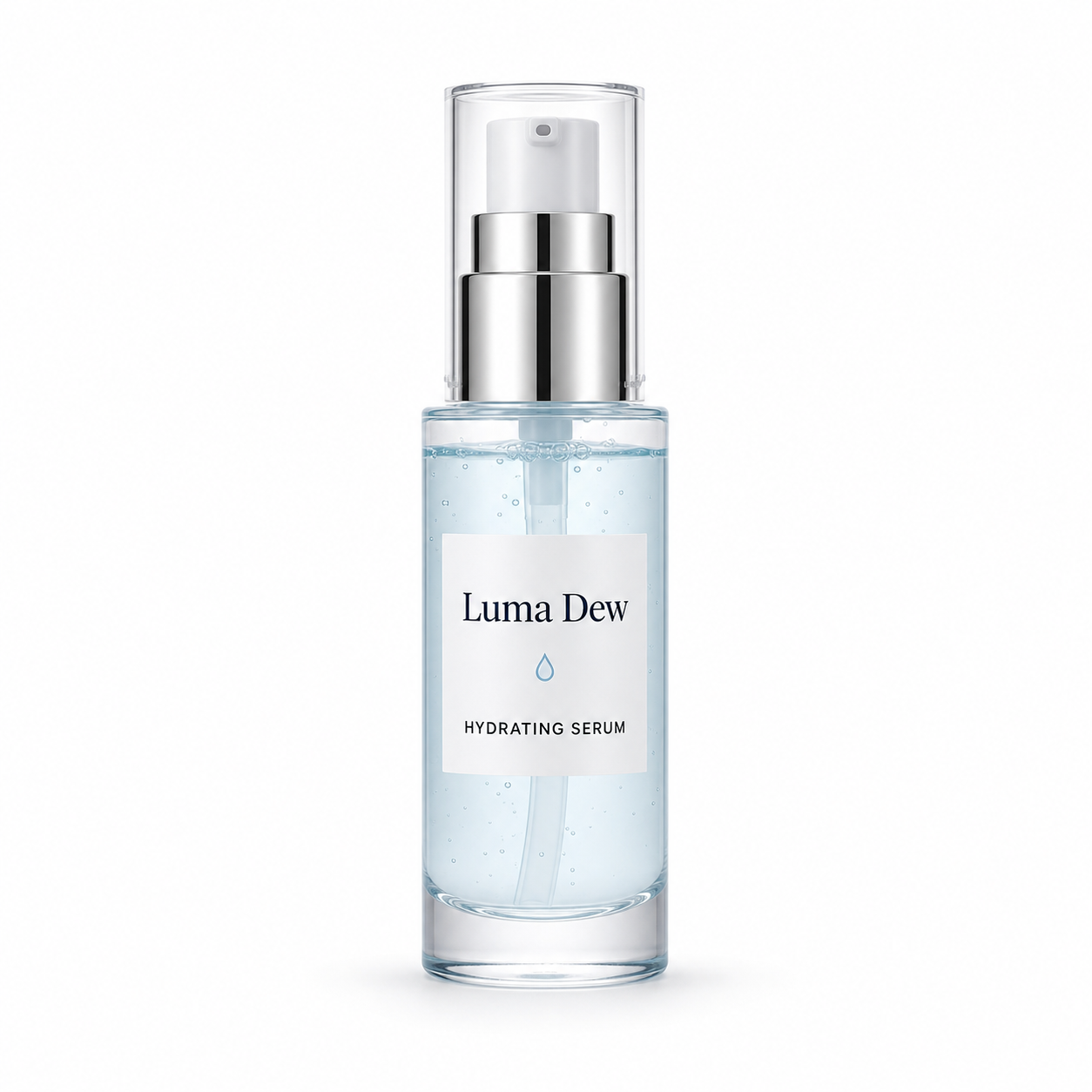
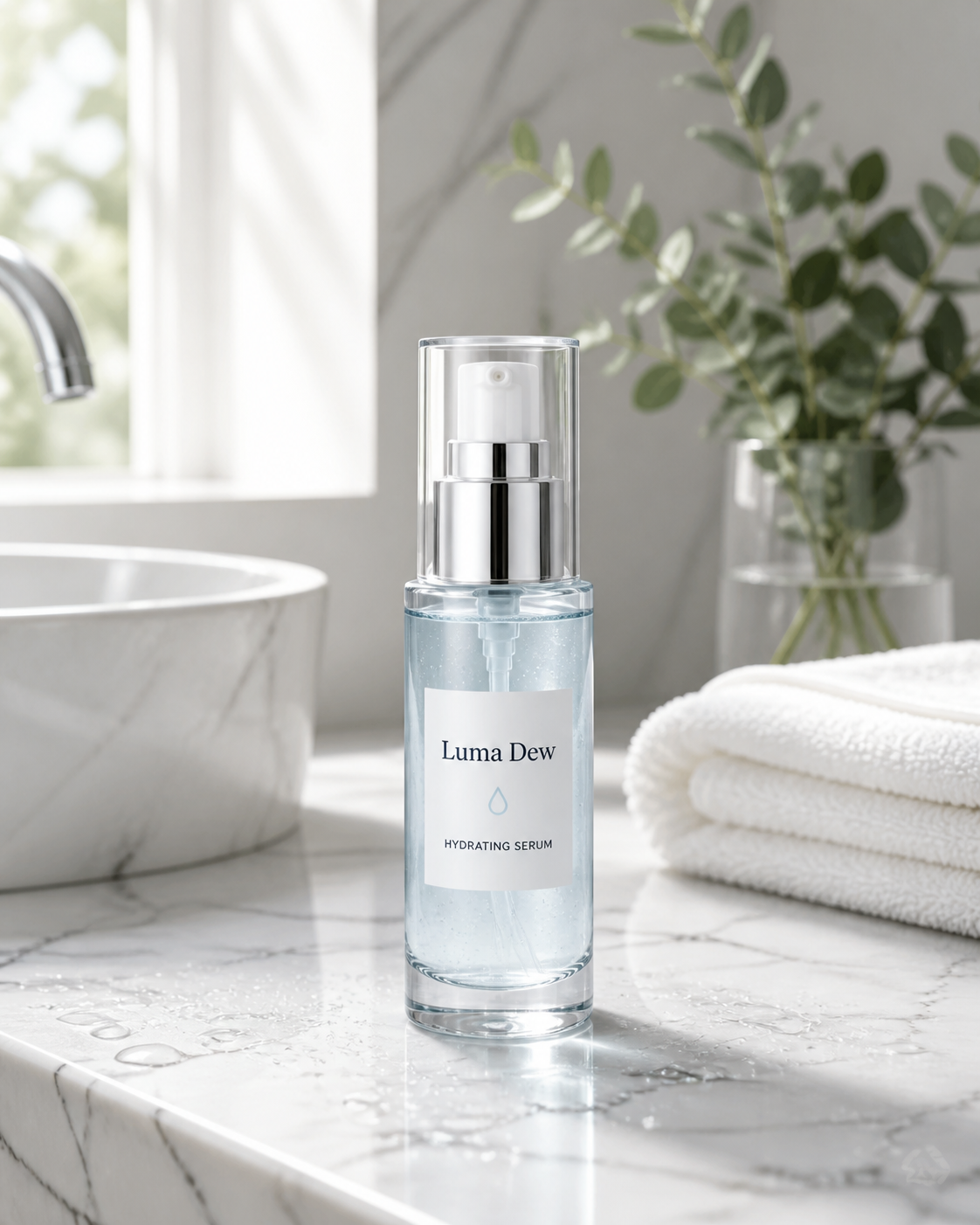
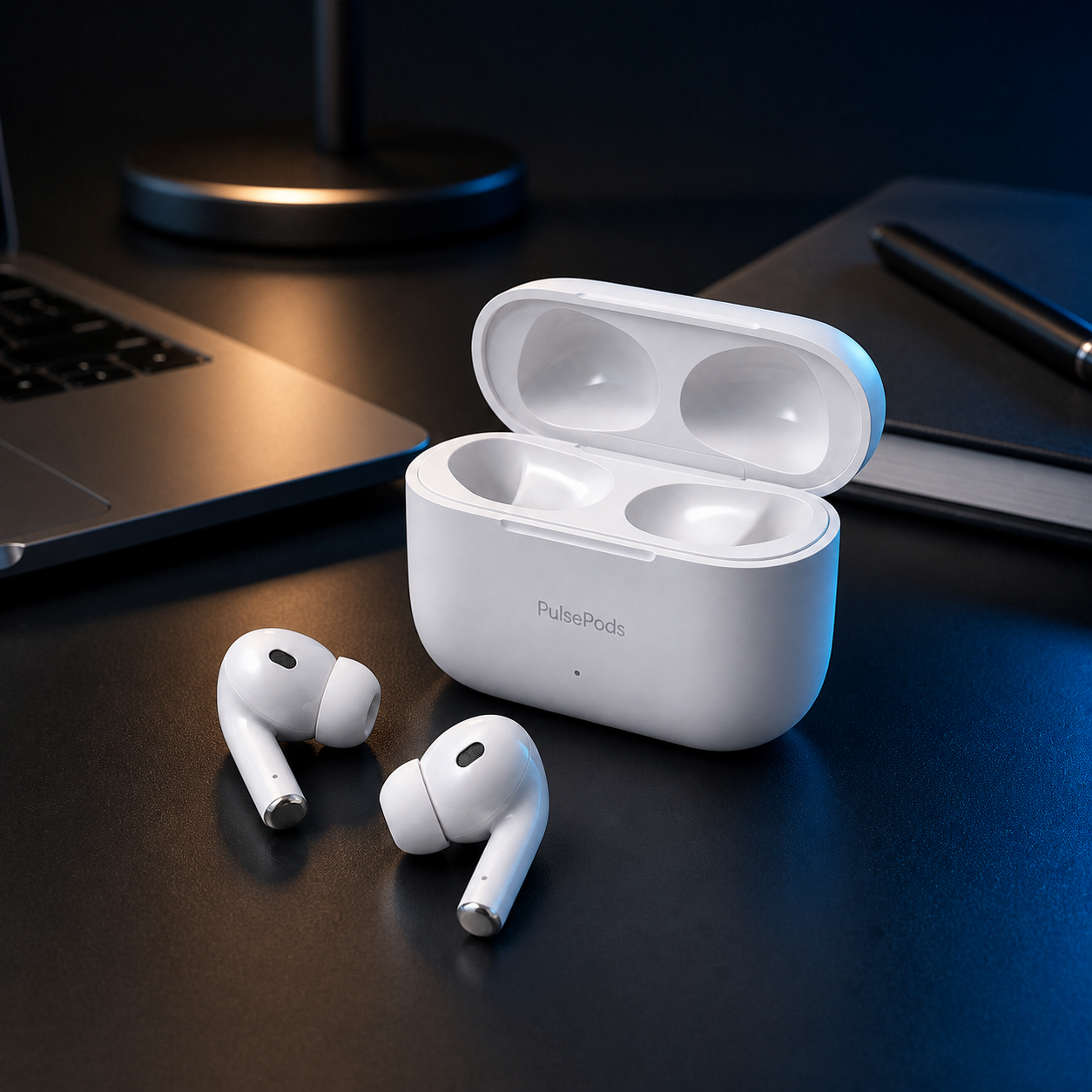
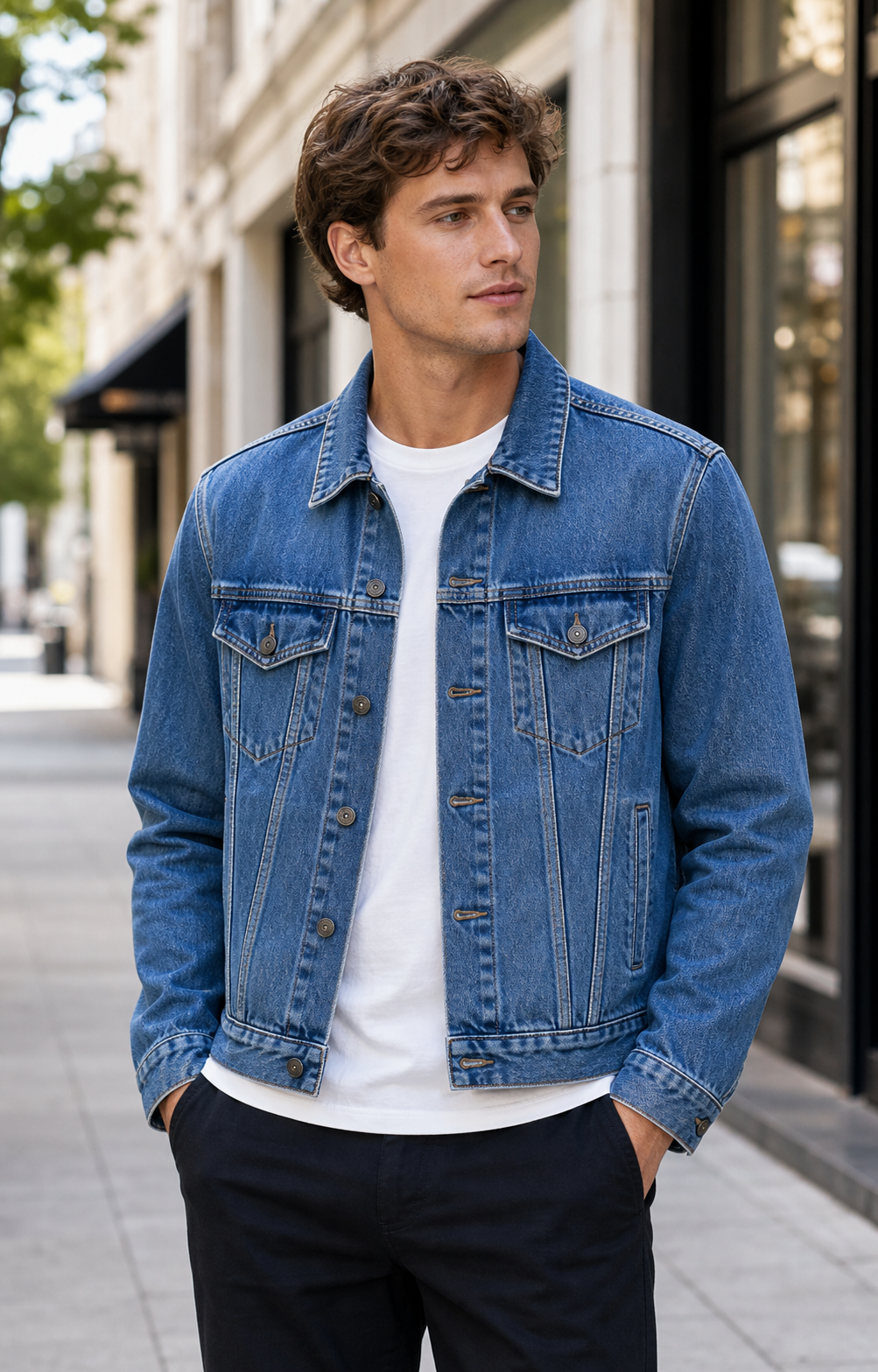 BeautyElectronicsFashion
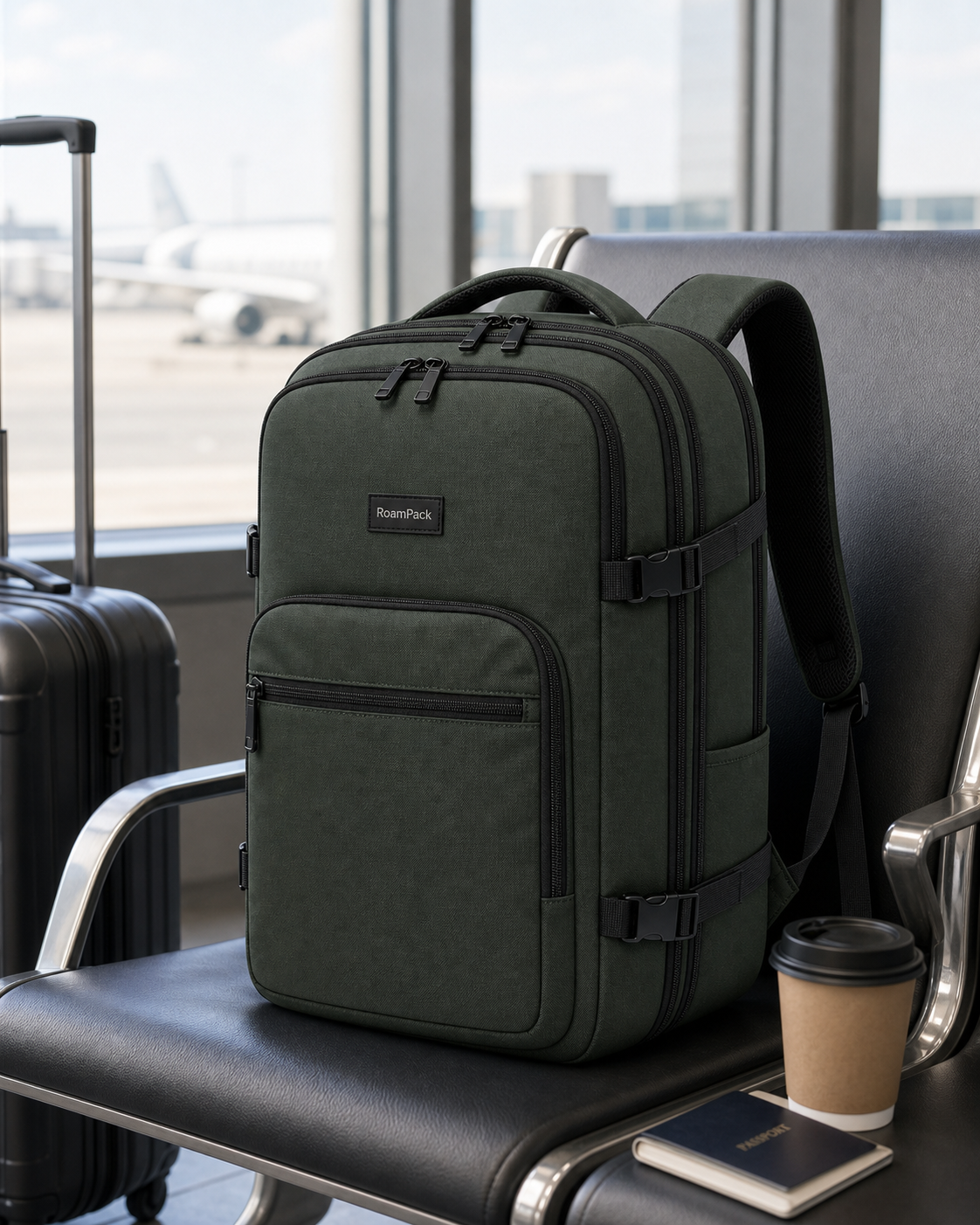 Travel
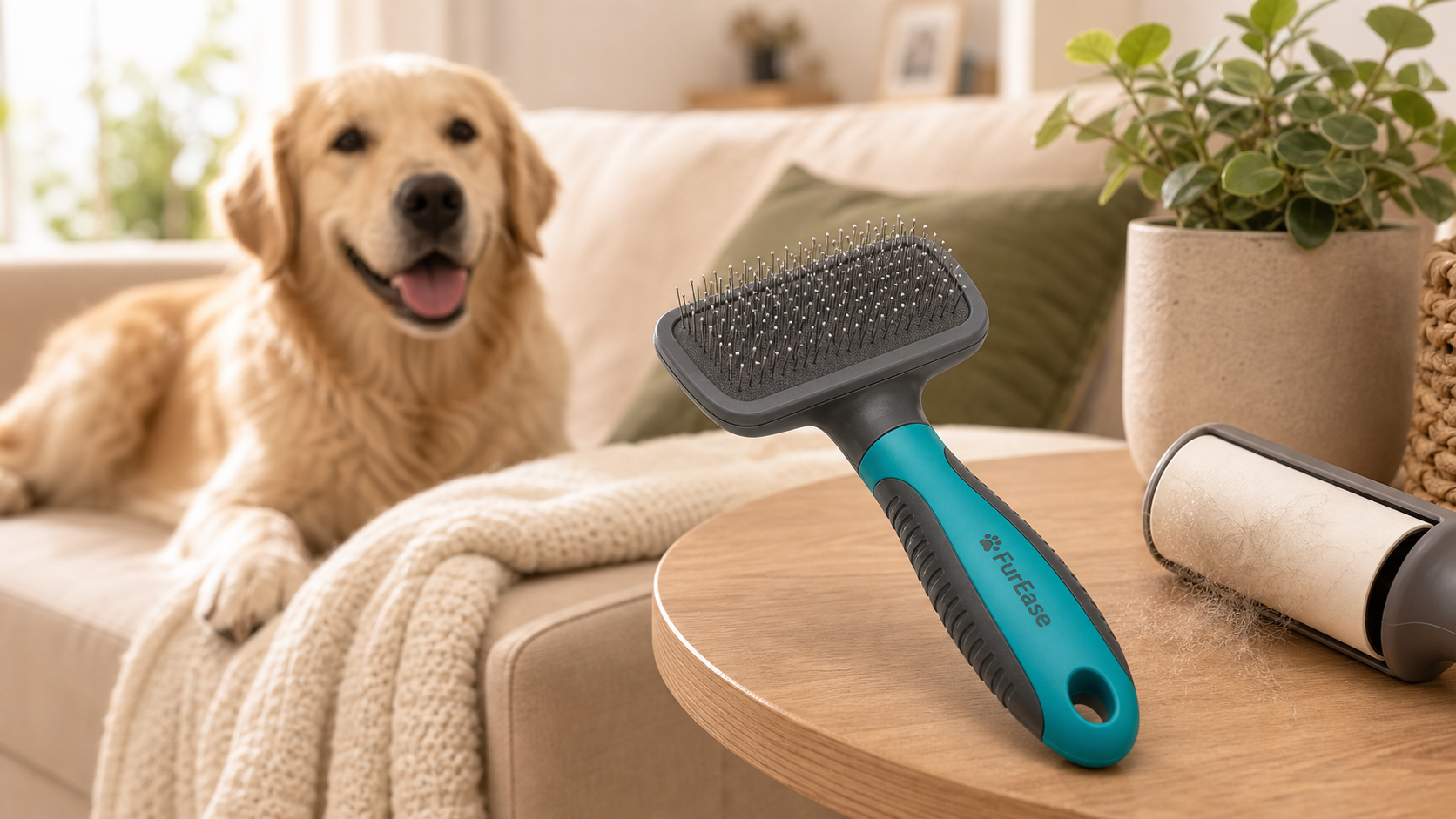 Pet care
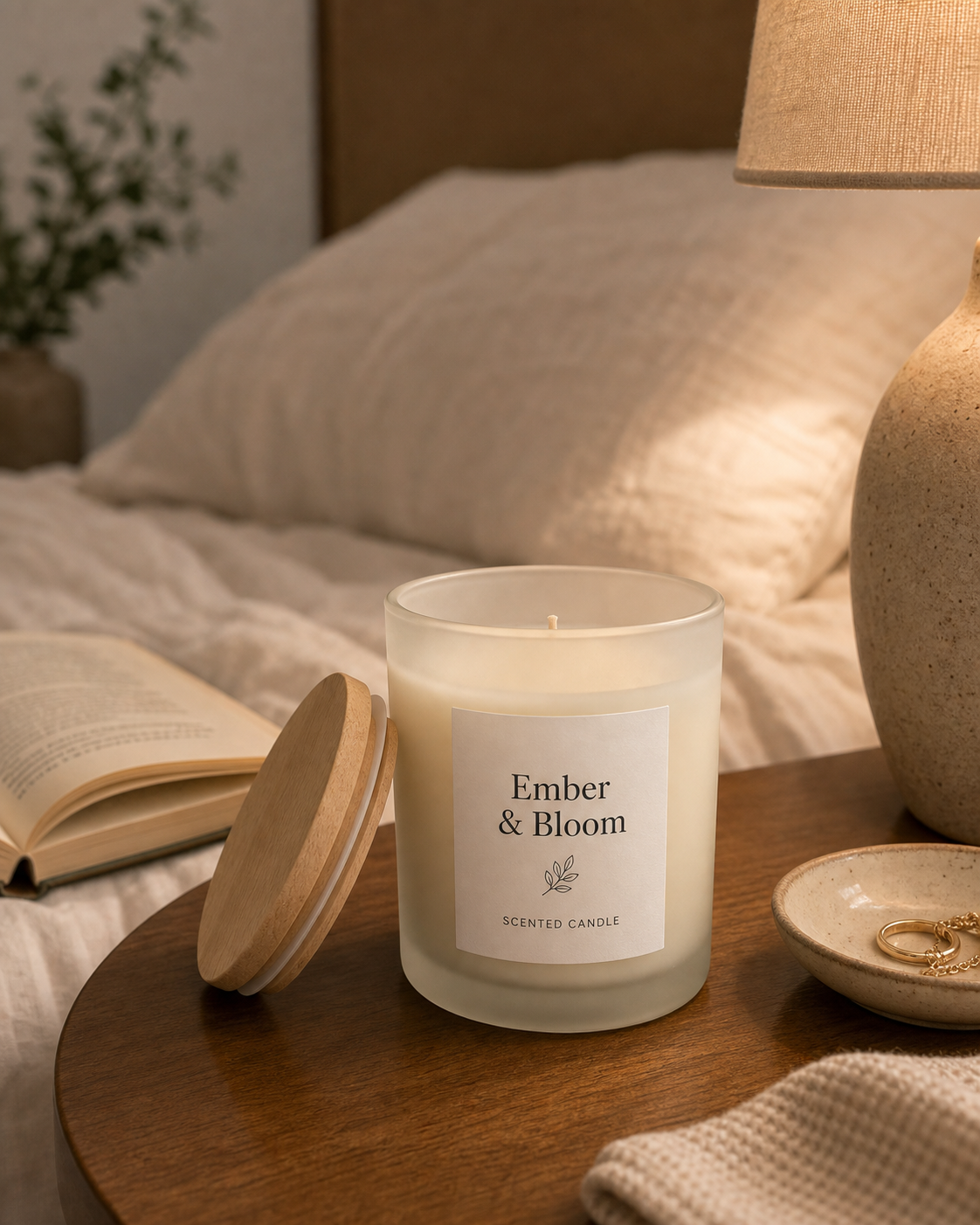 Home decor
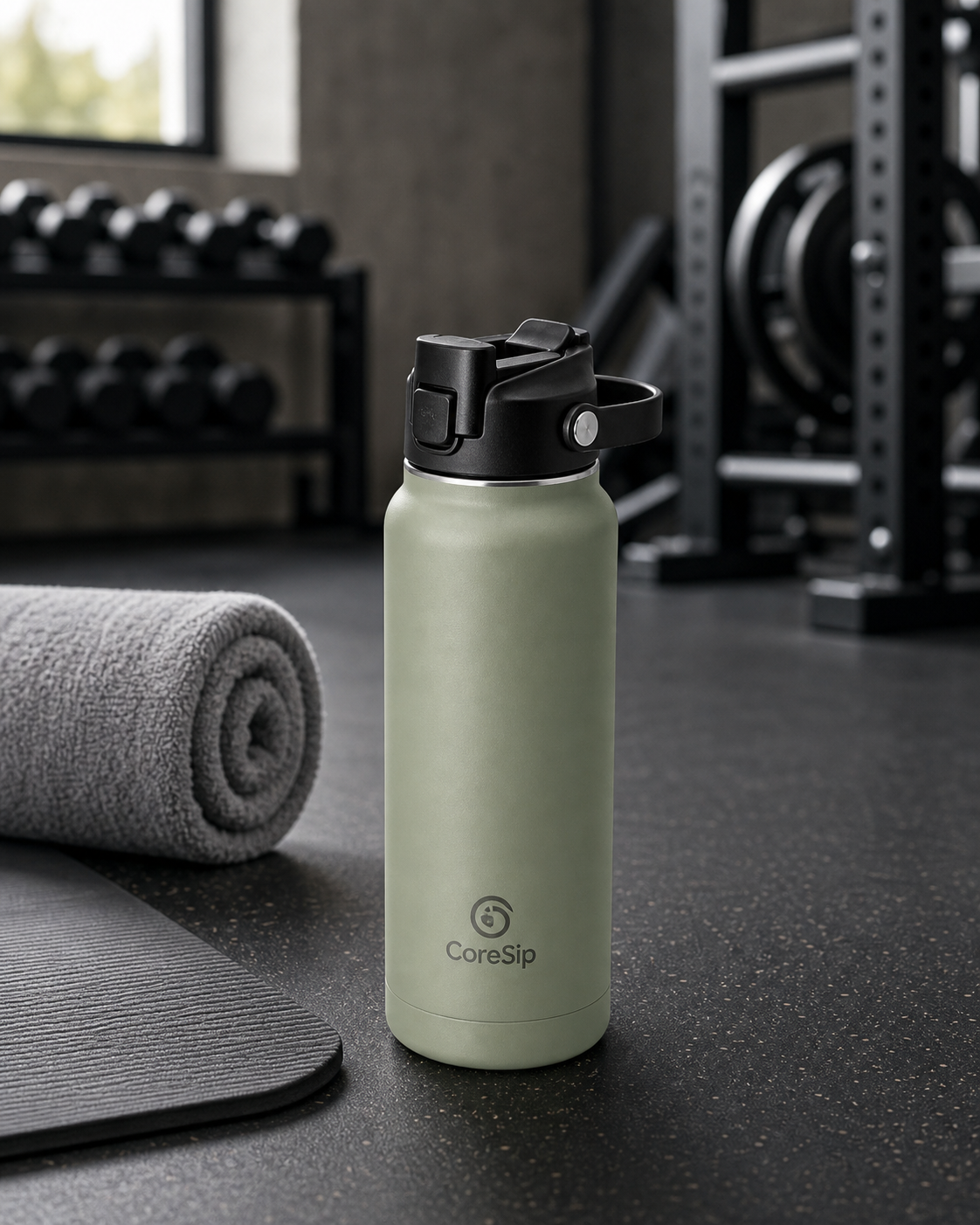 Fitness
 Wellness
Products
12 categories
Video
4 MP4 demos
Outputs
Photos, scenes, videos
Create
Generate a product photo set without starting from prompts.
- Choose studio, lifestyle, marketplace, or social ad outputs.
- Use starter image credits for the first product photo generations.
- Download HD assets after successful generation.
Output library
Product effects should feel like a real ad library.
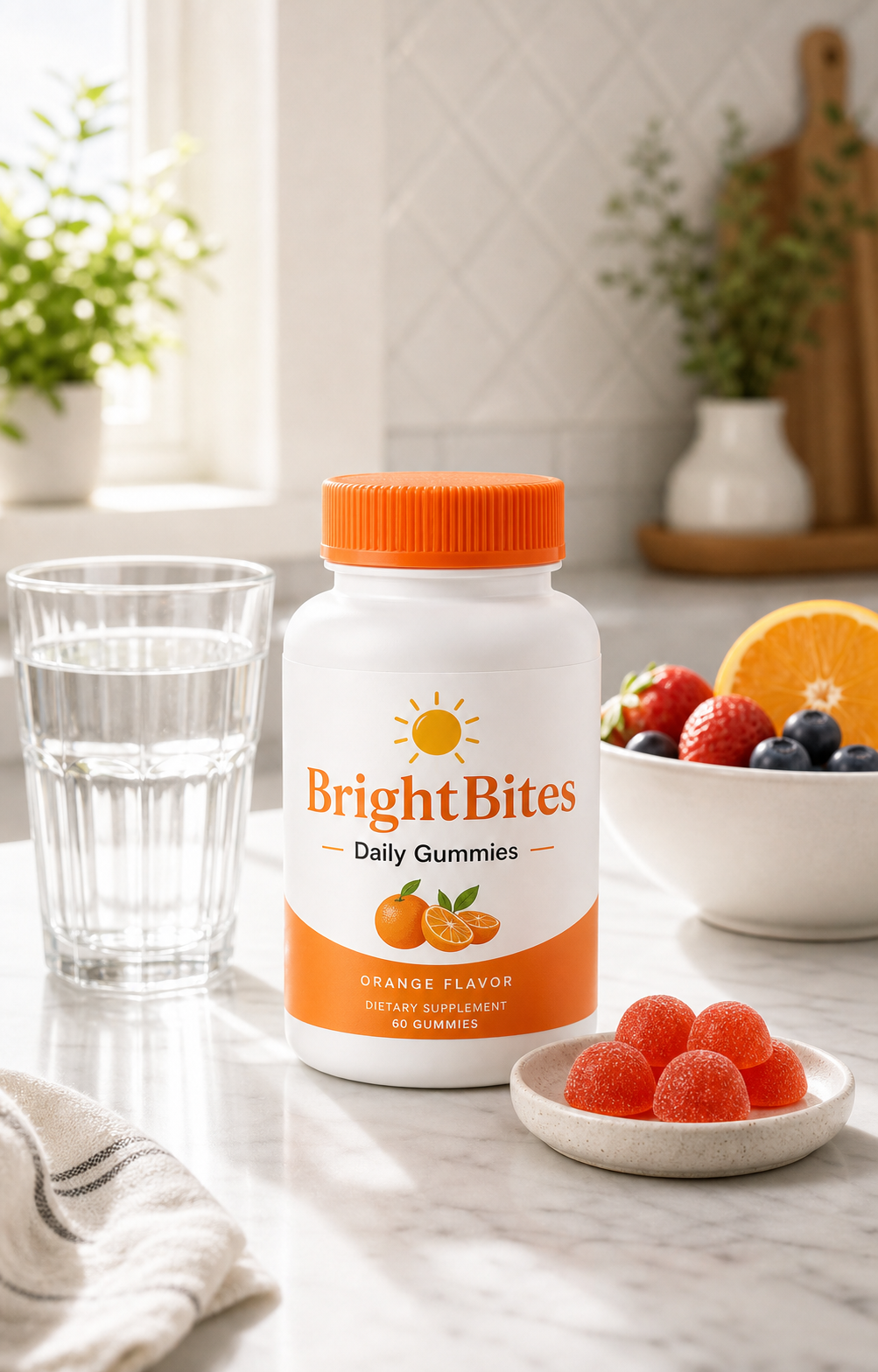
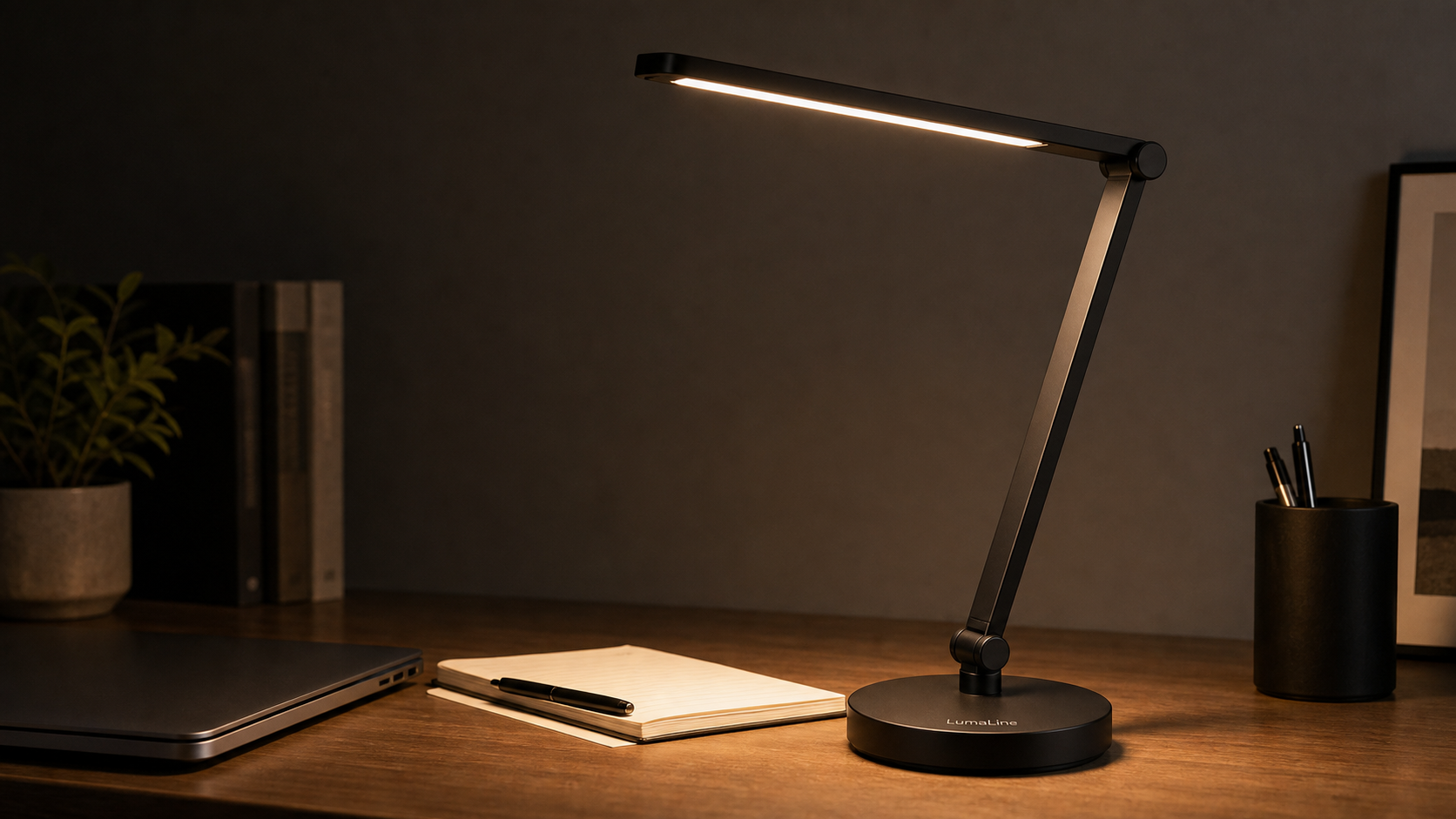
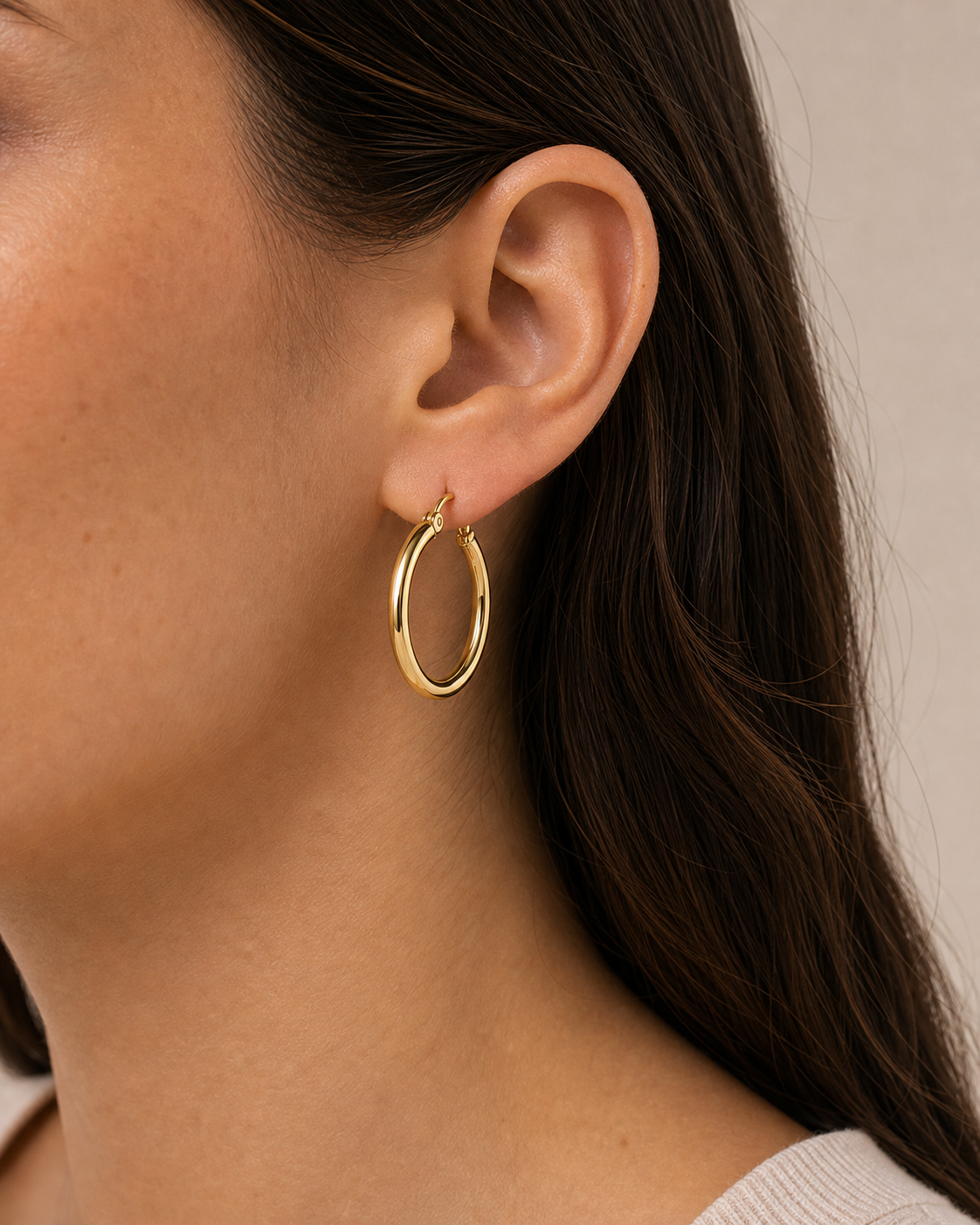
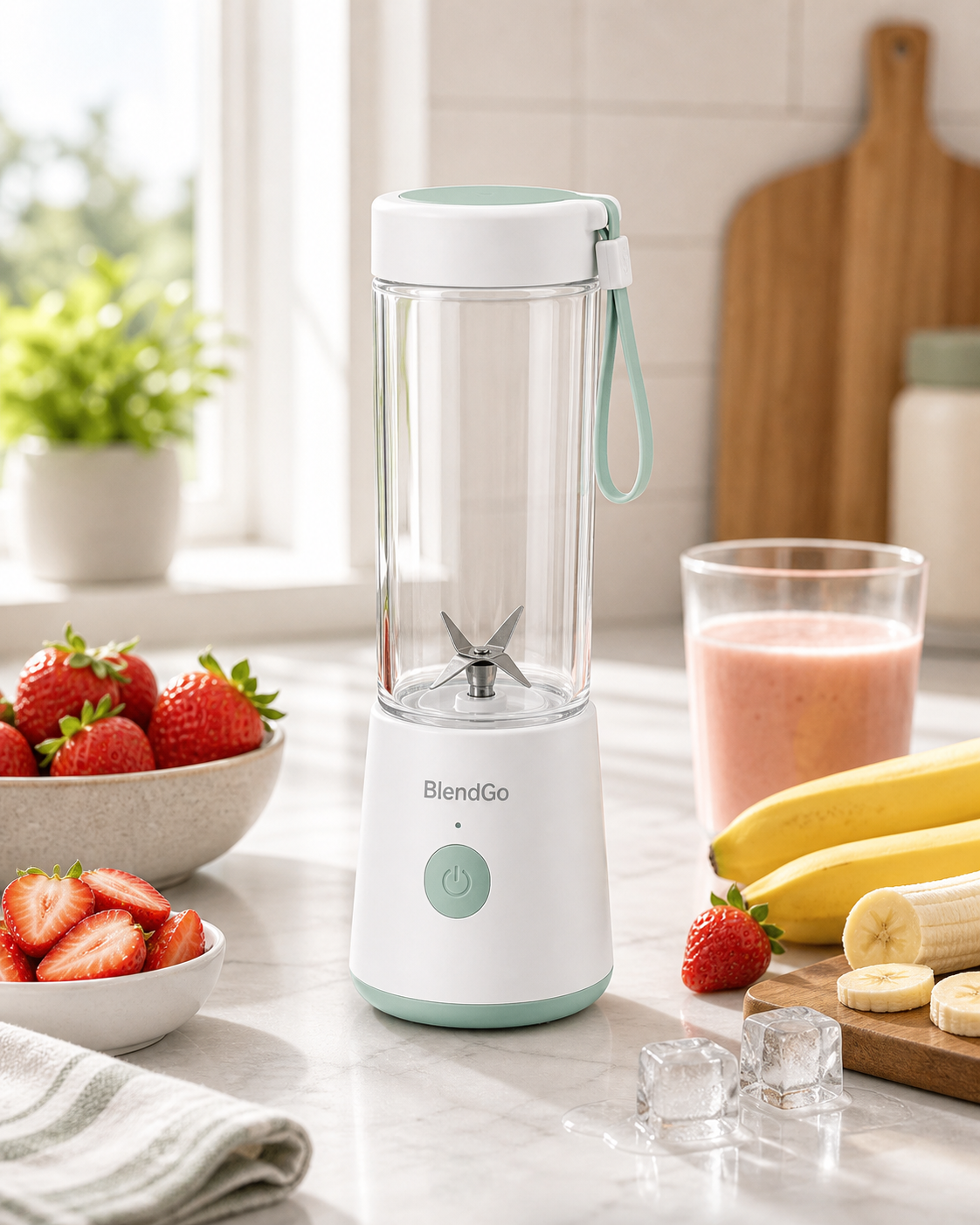
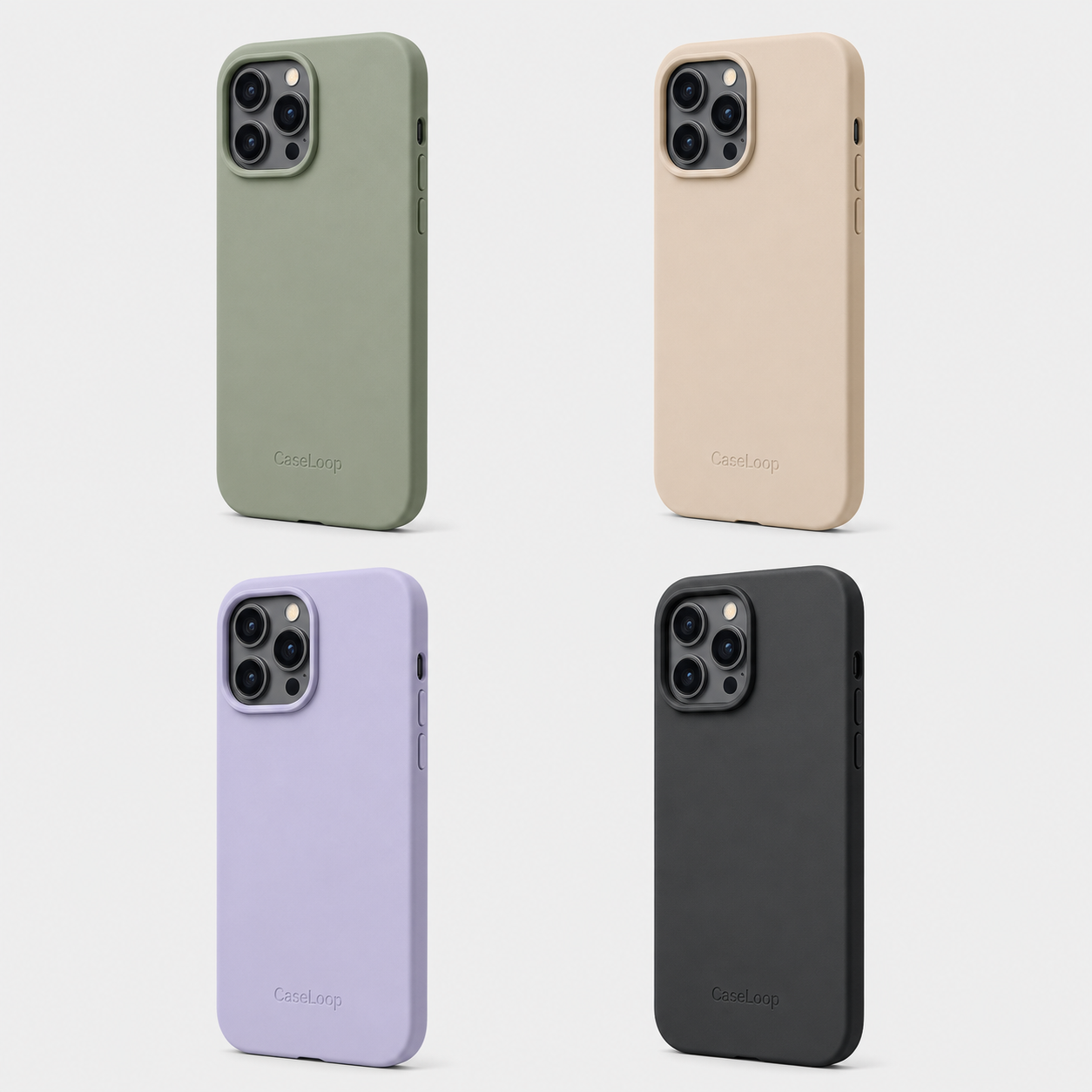
The page now shows multiple product categories, so visitors can scan real output range before trying their own product image.
Launch
Reuse approved product visuals across storefront and social.
- Use vertical MP4 demos for short-form channels.
- Keep square and portrait assets ready for product pages and feeds.
- Mix categories on the page so buyers see the tool works beyond one SKU.
Keep product shape, color, logo, and packaging details.
Registered users can spend free image credits on photos. Paid credits can also be used for image generation.
Generate product photosFAQ
Common product workflow questions.
What is AI product photography?+
AI product photography turns one source product image into polished ecommerce photos such as studio shots, lifestyle scenes, marketplace images, and social ad visuals.
Can I use the generated photos for Shopify or marketplaces?+
Yes. The workflow includes storefront, marketplace, and social ad styles so you can create assets for Shopify, listings, product pages, and campaign tests.
Will the AI change my product?+
The prompt stack asks the model to preserve the exact product shape, color, logo, label text, packaging proportions, and material details.
Do I need a professional product photo first?+
A clear product image works best. You do not need a full photoshoot, but the product should be visible, in focus, and not heavily obstructed.